

The HP OmniBook X 14 is one of HP’s newest additions to its PC range, standing out as a prime example of the new generation of AI PCs, powered by Snapdragon X Elite processor.
A laptop whose core feature is AI, this laptop features both Windows Copilot+ and HP AI Companion – imagine having two AI tools with similar yet different features within a single laptop.
Interestingly, the HP OmniBook X 14 also incorporates a touchscreen display, a feature that was once popular in laptops and seems still relevant today.
Key Features
Design and Build
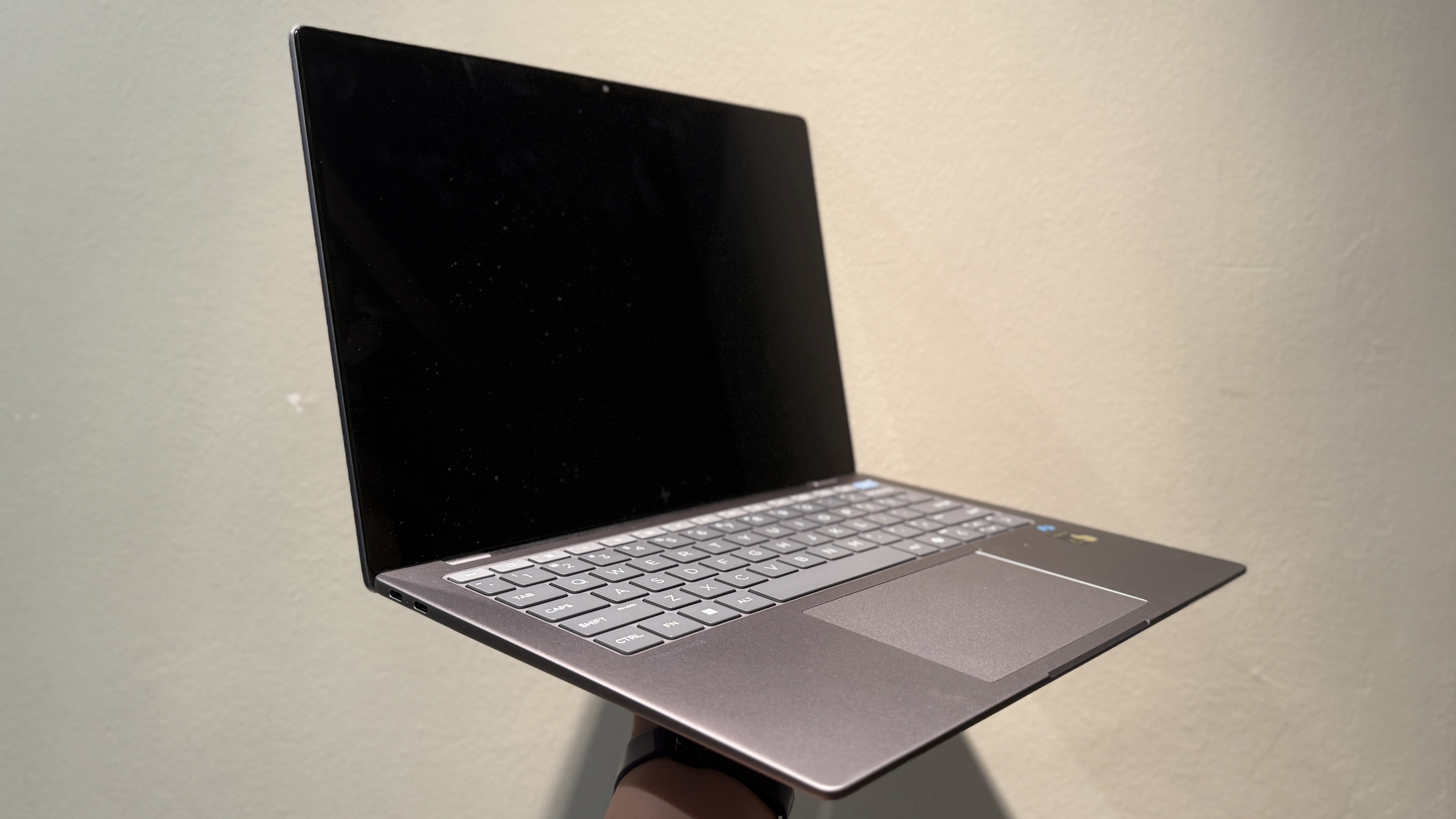
The OmniBook X 14 boasts an extremely sleek and minimalist dark-grey build, with the HP logo centered on the lid. Various components within this laptop namely the keycaps, frame, speakers and power supply are also made up of up to 50% recycled materials. Recycled materials include aluminium, plastic, and ocean bound plastic. it gives an overall metallic look, though the plastic touch and feel is still noticeable.
Weighing just 1.35kg, this 14-inch laptop is comparable in weight to a 13-inch MacBook Pro, and is highly portable.
Keyboard and Touchpad
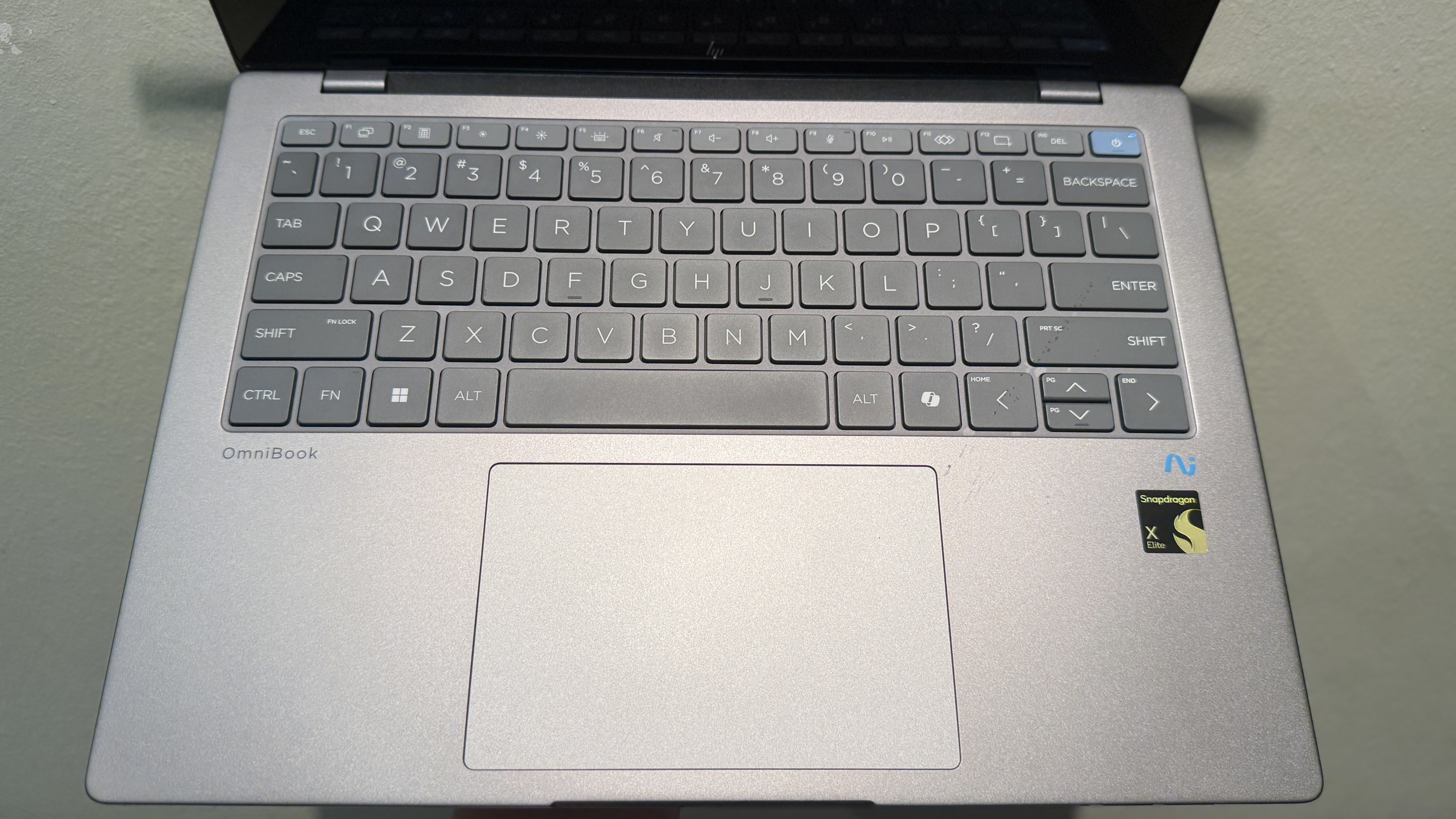
The keyboard offers a comfortable typing experience, similar to HP’s Bluetooth keyboards. It also features a CoPilot+ dedicated key. However, the trackpad is less impressive, with low sensitivity and a finicky double-click feature.
Ports and Connectivity
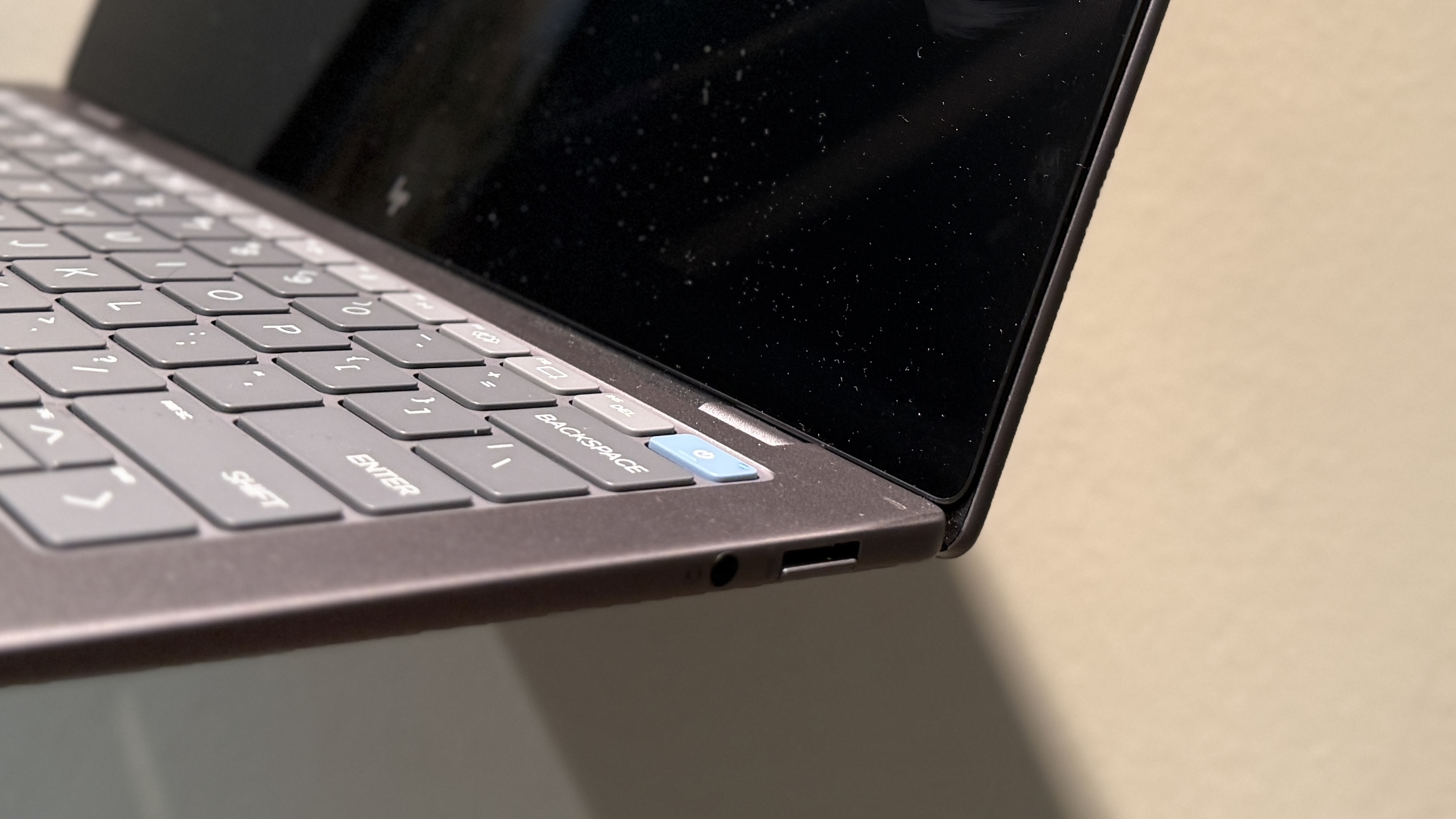
- 2 USB-C ports – convenient for charging and data transfer.
- 1 USB-A port
- Headphone jack
Webcam and Microphone
The 5MP webcam provides neat quality for office use, while the microphone offers clear pickup for online meetings.
Battery Life
The OmniBook X 14 excels in battery performance, lasting an entire workday with normal office activities and video playback in the background.
The YAYs
- Integrated AI Tools: Windows Copilot+ and HP AI Companion are pre-installed, offering seamless integration with Microsoft 365 applications. Gone are the days where you rely on your browser for these AI tools.
- HP AI Companion: Leverages generative AI for file analysis within the laptop for more specific results. It also learns from you as you use it.
- Future-Proof: The AI tools will be continually refined, potentially boosting productivity as full features are rolled out.
- Touchscreen Display: Adds versatility to the laptop’s functionality.
The NAYS
- Value for Money: Priced at S$1,999, this PC is on the pricier side, and the integrated AI tools, while convenient, may not be essential for users who are satisfied with online AI services. At this point, the convenience of using AI services within the laptop isn’t too great of a difference compared to online ones, and the cost does not seem to justify it yet. Yes, the Snapdragon X Elite does provide great performance and efficiency, but for this price, at this point, I’d have to say that it is on the pricier side for a PC for regular users and students.
- Trackpad Quality: The touchpad’s poor sensitivity may lead users like myself to want to rely on an external mouse for convenience.
- Touchscreen Limitations: The screen’s flexibility when pressure is applied may limit its usefulness for tasks beyond simple button clicks. As the screen can’t be laid flat and is flimsy (because of its weight), using the screen for writing or drawing is very limited.
Conclusion
The HP OmniBook X 14 is recommended for those seeking a sturdy laptop with integrated AI functions and tools. While its overall look and feel are satisfactory, they’re not particularly outstanding. The laptop excels in battery life and general usability, meeting the requirements of a typical office laptop, and perhaps good for students looking for a hardy laptop.
The touchscreen may not be its strongest feature, but the keyboard is adequate. This model serves as a good entry point for those interested in AI PCs, though quite pricey.
As we’re just at the beginning of the AI PC era, it’s likely that HP will offer more diverse options in the near future to cater to an even broader audience.
 101reasons.blog